






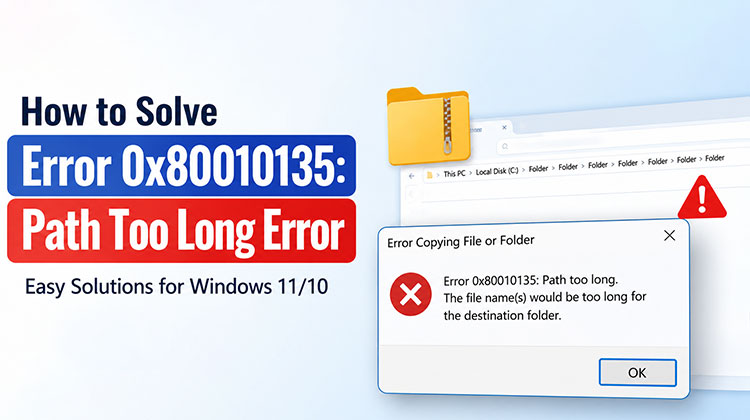
If you encounter “Error 0x80010135: Path Too Long” while extracting ZIP files or copying folders in Windows, it typically occurs when the file path exceeds the maximum character limit supported by File Explorer or extraction tools.
The good news is that Error 0x80010135 is easy to fix. In this guide, we’ll explain what causes Error 0x80010135: Path Too Long and effective solutions to solve it.
What Causes Error 0x80010135: Path Too Long?
Before applying any fixes, let’s look at the common causes of Windows error 0x80010135.
- The file path exceeds the 260-character Windows limit.
- ZIP archives contain deeply nested folders.
- File names are excessively long.
- Files are extracted into multiple subdirectories.
- Windows Long Path support is disabled.
- Corrupted ZIP archives create extraction issues.
- Outdated archive software causes compatibility problems.
- File system corruption affects folder operations.
Also read: 10 Easy Fixes for Error Opening File for Writing on Windows 10 & 11
How to Fix Error 0x80010135: Path Too Long?
1. Rename the Archive File
By reducing the path length of your file, you can fix the “Path too long” error without a tool or software. So rename the file to a shorter name to reduce its path length.
Steps:
- Locate the ZIP file showing the error.
- Right-click the file and select Rename.
- Replace the long name with a shorter one.
- Try extracting the archive again.
You can try shortening the parent directory name of the archive to ensure the total path length doesn’t exceed your operating system’s limit.
2. Enable Windows Long Path Support
The article has mentioned that the limit for long paths is 260 characters, and exceeding this limit causes an error. You can also fix Windows error 0x80010135 by increasing the length limit of your path within Windows by following the steps:
Steps:
- Press Windows + R.
- Type regedit and press Enter.
Navigate to:
HKEY_LOCAL_MACHINE\SYSTEM\CurrentControlSet\Control\FileSystem
- Locate LongPathsEnabled in the right pane.
- Double-click it and change the value from 0 to 1.
- Click OK and close Registry Editor.
- Restart your computer.
3. Extract the Archive to the Root Directory
It is possible to fix Windows error 0x80010135 by copying and pasting this ZIP archive directly to the root of your C drive and extracting it from there. In this manner, it is not necessary to specify the extraction path in the extraction tool, since it defaults to the root directory.
Steps:
- Right-click the ZIP file and select Copy.
- Open the C: drive in File Explorer and paste the file there using Ctrl + V or Paste.
- Right-click the ZIP file in the C: drive and select Extract All… to extract it.
Extracting an archive from its root directory reduces file path length, potentially helping resolve Error 0x80010135: Path Too Long.
4. Re-download the ZIP File
As mentioned earlier, the error code 0x80010135 can result from incorrect or failed software installation. To resolve this issue, it’s recommended to check the integrity of the zipped file or folder and, if required, then re-download it from a trusted source. Always be cautious when downloading or extracting files, particularly from unknown sources, to ensure your system’s security and performance.
5. Use a Third-Party ZIP Extraction Tool
If files aren’t compressed correctly, an error 0x80010135: path is too long can occur. A particular ZIP format results in the compression and decompression of a particular folder or file. In this situation, you must use an alternative third-party ZIP extraction tool. To accomplish this, there are a variety of options, such as WinRAR or 7-Zip. They also work with various file formats.
Also read: Advanced File Transfers: A Smarter Way to Share Data
Tips to Prevent Error 0x80010135 in the Future
You can reduce the chances of encountering this problem by following a few best practices:
- Avoid creating deeply nested folders.
- Use shorter file and folder names whenever possible.
- Store ZIP files closer to the root directory.
- Enable long path support in Windows.
- Keep Windows and extraction software updated.
- Use reliable archive tools such as 7-Zip or WinRAR.
Conclusion
In the end, we discussed the fixes above that will definitely resolve the error 0x80010135: Path Too Long. These changes will fix the main cause of the issue, the 260-character limitation on extraction paths. Once you have that done, you can use Windows 11 and 10 to unzip all the ZIP files that you have installed.
FAQs: Error 0x80010135: Path Too Long
What is Error 0x80010135: Path Too Long?
Error 0x80010135: Path Too Long is a Windows error that occurs when the total file or folder path exceeds the maximum character limit supported by the operating system.
Why does Error 0x80010135 appear when extracting ZIP files?
ZIP archives often contain multiple nested folders and long file names, causing the extraction path to exceed Windows' character limit.
Is Error 0x80010135 caused by a corrupted ZIP file?
Sometimes. A damaged or incomplete ZIP file can trigger the error, so re-downloading the archive may help.
Can Windows 11 handle long file paths?
Yes. Windows 11 supports long file paths, but the feature may need to be enabled manually through the Registry Editor or Group Policy Editor.









Leave a comment